
First-time home buyers, repeat buyers, and home sellers often discover the same surprise: the real estate transaction paperwork can feel endless. Between home purchase documents, home buying documents, and constant requests for “one more page,” even organized people run into document management challenges like missing files, duplicate forms, and unclear deadlines. The stress isn’t just the volume, it’s the fear that a small paperwork mistake could slow everything down at the worst moment. With a calmer approach, the documents become manageable and decisions feel clearer.

How to Manage Home Buying and Selling Paperwork with Ease
Quick Summary: Manage Real Estate Paperwork Easily
- Set up a simple real estate document organization system to keep buying and selling paperwork easy to find.
- Use practical document filing tips to sort, label, and store records so nothing gets missed.
- Follow clear paperwork management strategies to track tasks, deadlines, and required forms with less stress.
- Use a straightforward home buying checklist to gather, review, and organize documents as you move forward.
- Use a simple home selling checklist to prepare disclosures and transaction records in a timely, orderly way.
Find Any Page Fast: Build a Digital Document Workflow
Once you’ve sorted what to keep and what to toss, the fastest way to stay on top of real estate paperwork is to keep your “working” set accessible in digital form. Create a simple, consistent digital home for every document so you can pull it up anytime you need to review, share, or sign. When you’re digitizing paper records, try not to end up with a dozen separate files for one topic; instead, pull only the pages that matter and build one clean PDF that contains exactly what you need. That’s where an extraction tool helps: an easy-to-use PDF page extractor lets you select the relevant pages from a longer document and create a new, modified PDF, so everyone is looking at (and signing) the right sections, and all the key records you need stay in one place.
Set Up a Simple Home-Transaction Paperwork System
Your goal is one calm, reliable system for every form, receipt, and signed page from offer to closing. A clear setup prevents last-minute scrambles, helps you share the right file quickly, and makes it easier to prove what was agreed to later.
- Step 1: Create one “master” folder for the transaction
Start by making a single hub named with the address and year (example: “123 Maple St 2026”), then add the same subfolders every time: Offer & Contract, Disclosures, Inspections, Loan, Title & Escrow, Repairs, and Closing. A simple starting point is to create transaction record details like key contacts and dates, then keep that info in a one-page “Read Me” file inside the master folder. - Step 2: Mirror the digital layout with a paper binder
Use a small accordion file or binder with tabs that match your digital subfolders, and keep it for items you receive in person. This gives you a fast drop spot so paperwork does not pile up on counters, and you can always find the original if someone requests it. - Step 3: Digitize the working set the same day you receive it
Scan or photograph documents as soon as they arrive, then save them directly into the right folder using a consistent filename (date + document type + version). Keeping your documents in order can reduce delays when a lender, agent, or title company asks for something quickly. - Step 4: Track versions so you never sign the wrong one
Add a simple version tag to filenames like “v1,” “v2,” or “FINAL,” and create a “Superseded” folder for older drafts. When a change comes in, save the new file first, then move the replaced copy, so your “current” folder always shows the latest, sign-ready document. - Step 5: Apply retention rules with a “keep, shred, archive” checklist
Decide what stays accessible (active deal items), what gets archived (closing packet and proof of payments), and what can be shredded once the transaction is complete (duplicates and outdated drafts). Add a recurring reminder for 30 and 180 days after closing to review and purge, so your system stays lean.
Key Home Paperwork Terms, Explained
These quick definitions help you recognize what each document does, who needs it, and where it fits in your process, so you can file and share items with more confidence.
- Real estate contract: The signed agreement covering price, deadlines, and responsibilities, so everyone has the same playbook.
- Disclosure form: A required statement about known property issues, so buyers can make informed decisions and avoid surprises.
- Deed: The legal instrument that transfers ownership, so your records prove who owns the home after closing.
- Title: The legal right to own and use the property, so you can confirm ownership is clear before money changes hands.
- Inspection report: The inspector’s findings on condition and safety, so you can negotiate repairs or plan costs.
- Closing statement: The final itemized summary of fees and credits, so you can verify totals before signing.
- Most recent bank statements: Account pages lenders use to show your assets, so they can confirm funds for down payment and closing.
Build Paperwork Confidence for a Calmer Home Transaction
Paperwork can feel like a moving target when deadlines stack up and unfamiliar terms keep coming. The steadier path is a simple mindset: treat document handling as an organized flow, name what each form is for, file it consistently, and lean on home transaction support when questions pop up. That approach builds paperwork management confidence and strengthens document handling empowerment, whether the goal is stress-free home buying or an organized home selling process. When paperwork has a home, your decisions get clearer and your stress gets smaller.
Ready to find your new home here in the Tampa Bay and Surrounding Areas? Nick, Cindy & Nicholas Davis with RE/MAX Premier Group are here to assist you with all your Real Estate Needs. We are always available at 813-300-7116 to answer your questions or you can simply click here and we will be in touch with you shortly.
Need to get started with your mortgage process? You can contact Kyle Edwards with Iberia Bank at 813-495-5131, or simply click here to start your online application.
Start Your Home Search
Ways Our Family Can Help Your Family




All Homes For Sale in & Around Tampa
- List View
- Map View
- Grid View
-
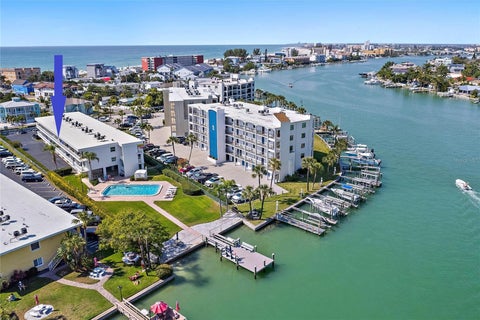 $305,000
-
Lot Size
-
Home Size619 sqft
-
Beds1 Bed
-
Baths1 Bath
-
Year Built1979
-
Days on Market0
-
-
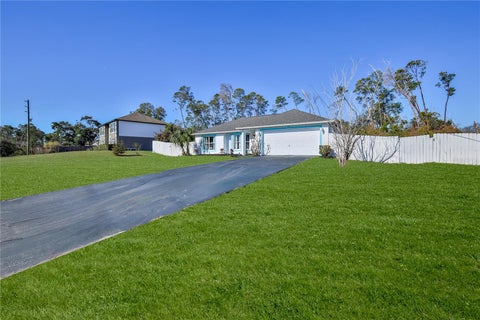 $299,000
-
Lot Size11,326 sqft
-
Home Size1,726 sqft
-
Beds4 Beds
-
Baths2 Baths
-
Year Built2004
-
Days on Market0
-
-
 $299,999
-
Lot Size5,663 sqft
-
Home Size1,551 sqft
-
Beds3 Beds
-
Baths2 Baths
-
Year Built2005
-
Days on Market0
-
-
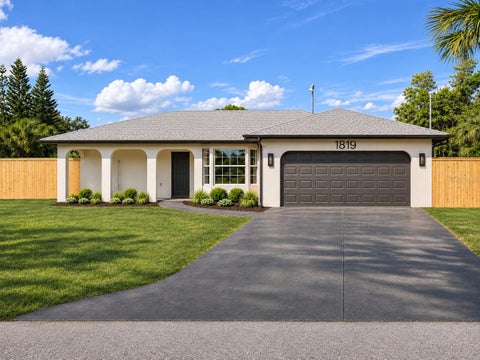 $1,199,000
-
Lot Size23,087 sqft
-
Home Size3,272 sqft
-
Beds7 Beds
-
Baths5 Baths
-
Year Built1986
-
Days on Market0
-
-
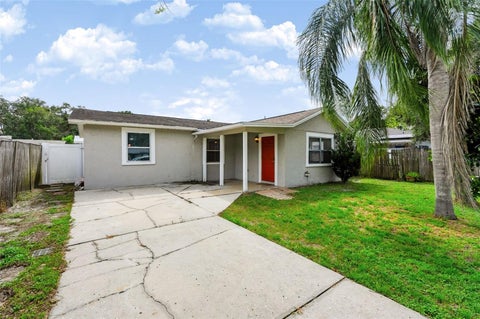 $329,900
-
Lot Size5,663 sqft
-
Home Size1,360 sqft
-
Beds3 Beds
-
Baths1 Bath
-
Year Built1959
-
Days on Market1
-
-
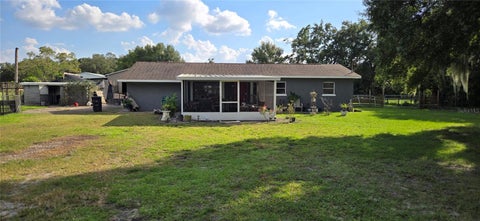 $440,000
-
Lot Size41,382 sqft
-
Home Size1,584 sqft
-
Beds4 Beds
-
Baths2 Baths
-
Year Built1961
-
Days on Market1
-
-
 $3,700,000
-
Lot Size19,167 sqft
-
Home Size2,937 sqft
-
Beds3 Beds
-
Baths3 Baths
-
Year Built1998
-
Days on Market1
-
-
 $559,000
-
Lot Size6,534 sqft
-
Home Size2,121 sqft
-
Beds4 Beds
-
Baths2 Baths
-
Year Built2002
-
Days on Market1
-
-
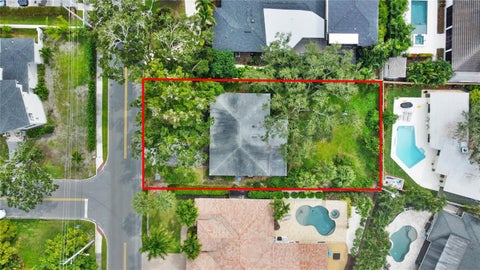 $715,000
-
Lot Size11,326 sqft
-
Home Size1,500 sqft
-
Beds2 Beds
-
Baths1 Bath
-
Year Built1955
-
Days on Market1
-
-
 $189,900
-
Lot Size9,584 sqft
-
Home Size1,415 sqft
-
Beds2 Beds
-
Baths2 Baths
-
Year Built1983
-
Days on Market1
-



See all All Homes Around Tampa.
(all data current as of
11/11/2026)
Listing information deemed reliable but not guaranteed. Read full disclaimer.